
 Uncategorized
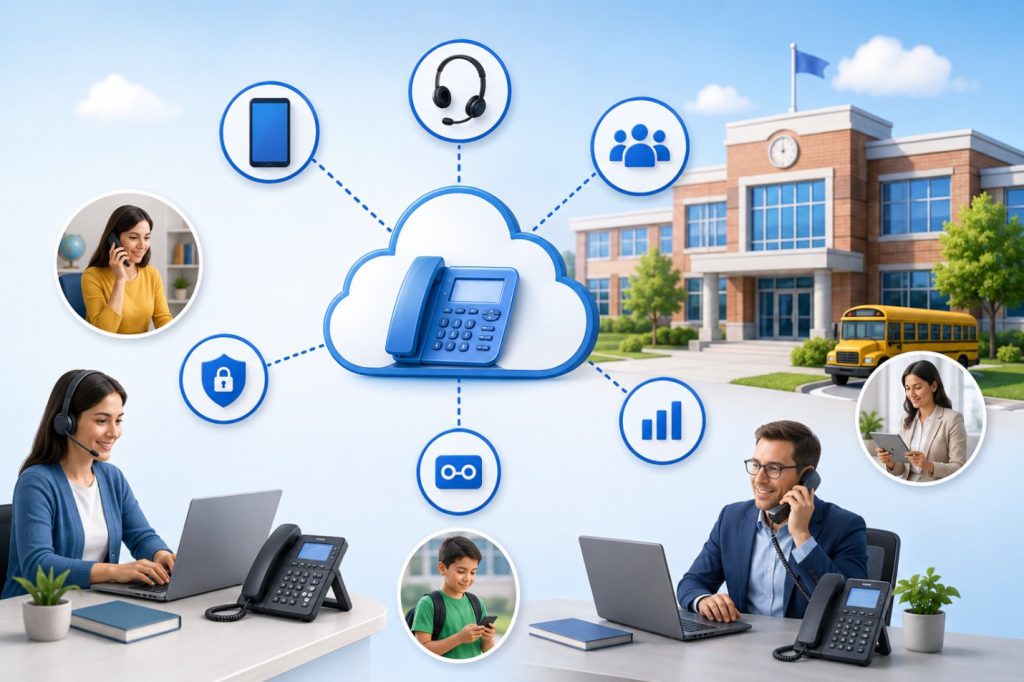
Today's workforce isn't limited to a desk— and your business phone system shouldn't be either. SQUIBIT UC supports IP desk phones, browser-based webphones, desktop softphones, mobile applications, and DECT wireless phones, giving employees the freedom to stay connected whether they're in the office, working remotely, traveling, or moving throughout a facility.
Get a Free Demo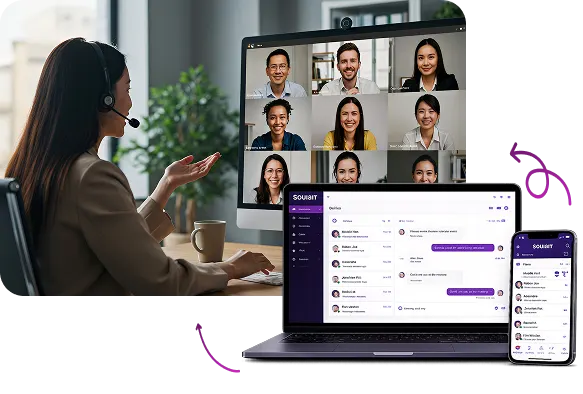
Not every employee works the same way. Some spend the day at a desk, while others move throughout a facility, work remotely, travel between locations, or split time between the office and home. A business phone system should adapt to the way your team works—not force everyone into the same setup.
SQUIBIT UC gives employees the flexibility to use the communication device that best fits their role. Whether it's an IP desk phone, browser-based webphone, desktop softphone, mobile app, or DECT wireless phone, every device connects to the same business phone system with a consistent business identity, intelligent call routing, and a seamless calling experience.
SQUIBIT UC supports a range of business calling options designed for different work environments, giving every employee the flexibility to stay connected wherever work happens.
For employees who work from a dedicated workstation, an IP desk phone provides a familiar, dependable business calling experience. Connected directly to the SQUIBIT UC platform over your existing internet connection, desk phones give users access to advanced calling features such as intelligent call routing, voicemail, call transfer, hold, conferencing, and extension dialing from a reliable desktop device.
SQUIBIT UC supports a wide range of certified IP desk phones from leading manufacturers. Our team will help you select the right models for your organization and ensure they are properly provisioned, configured, and ready to use from day one.
Receptionists, administrative staff, and fixed workstations that need a dedicated, high-quality business calling experience from a permanent workstation.
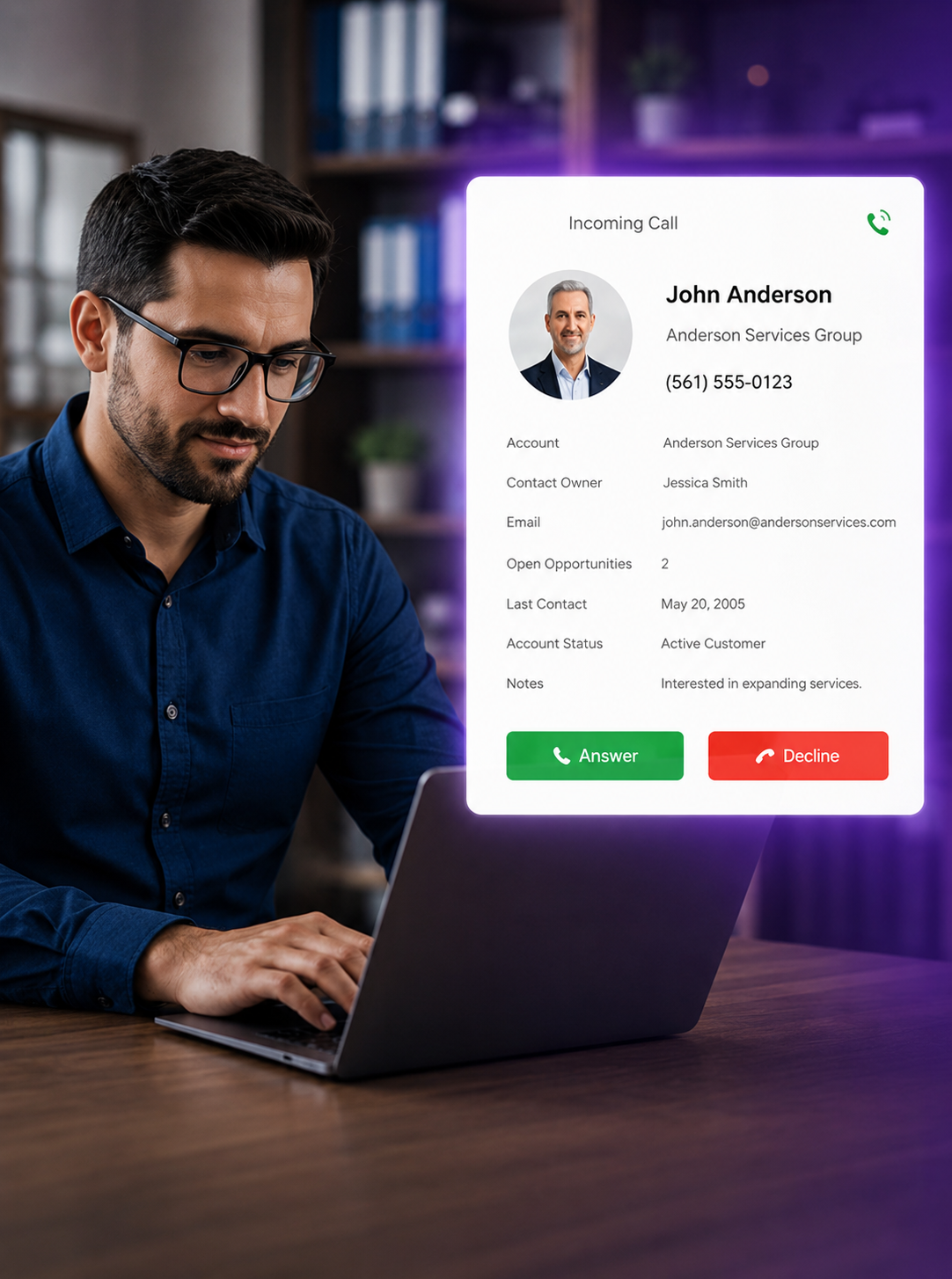
For employees who spend the day at a computer without a dedicated desk phone, a browser-based webphone brings the full SQUIBIT UC calling experience right into the browser. There's nothing to install—users can make and receive calls, transfer conversations, and manage voicemail from a supported web browser using their existing headset.
A browser-based webphone gives office employees and remote workers the same advanced calling features as a desk phone, without needing any additional hardware.
Office employees, remote workers, and headset users who want a full desktop calling experience with advanced features and no desk phone required.
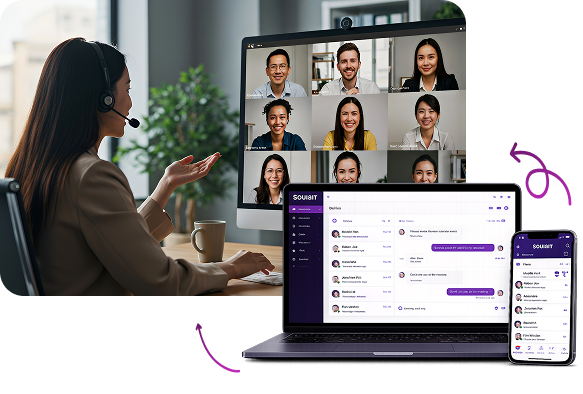

Support IP desk phones, desktop softphones, browser-based webphones, and mobile apps from a single SQUIBIT UC account, giving every employee the flexibility to use the device that best fits their role while delivering a consistent business calling experience across the organization.

Employees can make and receive business calls from any supported device while using the same business phone number. Whether they're in the office, working remotely, or on the go, every conversation maintains a consistent professional identity while keeping personal contact information private.

Employees can access and manage voicemail from any connected SQUIBIT UC device, ensuring messages remain synchronized across desk phones, desktop softphones, browser-based webphones, and mobile apps. Optional voicemail-to-email delivery makes it even easier to review and respond to important messages from virtually anywhere.

Deploy new devices quickly with centralized provisioning through the SQUIBIT UC platform. Whether you're onboarding new employees, replacing hardware, or expanding to additional locations, SQUIBIT helps ensure devices are configured, connected, and ready to use with minimal disruption.

Move an active call from one supported device to another without interrupting the conversation. Whether transitioning from a desk phone to a mobile app or from a desktop softphone to a webphone, SQUIBIT UC keeps conversations connected as employees move throughout the day.

Stay connected with SQUIBIT UC using native mobile apps for iPhone and Android. Make and receive business calls, access voicemail, manage contacts, and maintain your professional business identity from virtually anywhere. Manage answering rules, send and receive SMS messages, park active calls, and transfer conversations to other team members all from a single mobile application.
| Device Type | Best For | Key Advantage |
|---|---|---|
| IP Desk Phone | Receptionists, administrative staff, and fixed workstations | Dedicated, high-quality business calling from a permanent workstation |
| Desktop Softphone | Office employees, remote workers, and headset users | Full desktop calling experience with advanced features and no desk phone required |
| Browser-Based Webphone | Remote employees, shared workstations, and temporary users | Secure browser-based calling with no software installation required |
| Mobile App | Field employees, managers, sales professionals, and frequent travelers | Complete business communications from any iPhone or Android device |
Adding devices to SQUIBIT UC is managed through the centralized admin portal with guidance from the SQUIBIT® team. Whether you're provisioning IP desk phones across multiple locations, configuring browser-based webphones for remote employees, deploying desktop softphones, or rolling out mobile apps to field personnel, we help ensure every device is configured correctly and ready to use.
From initial deployment to ongoing user and device changes, SQUIBIT® provides the expertise needed to keep your communications platform organized, your employees connected, and your business ready to grow.
Get a Free Demo
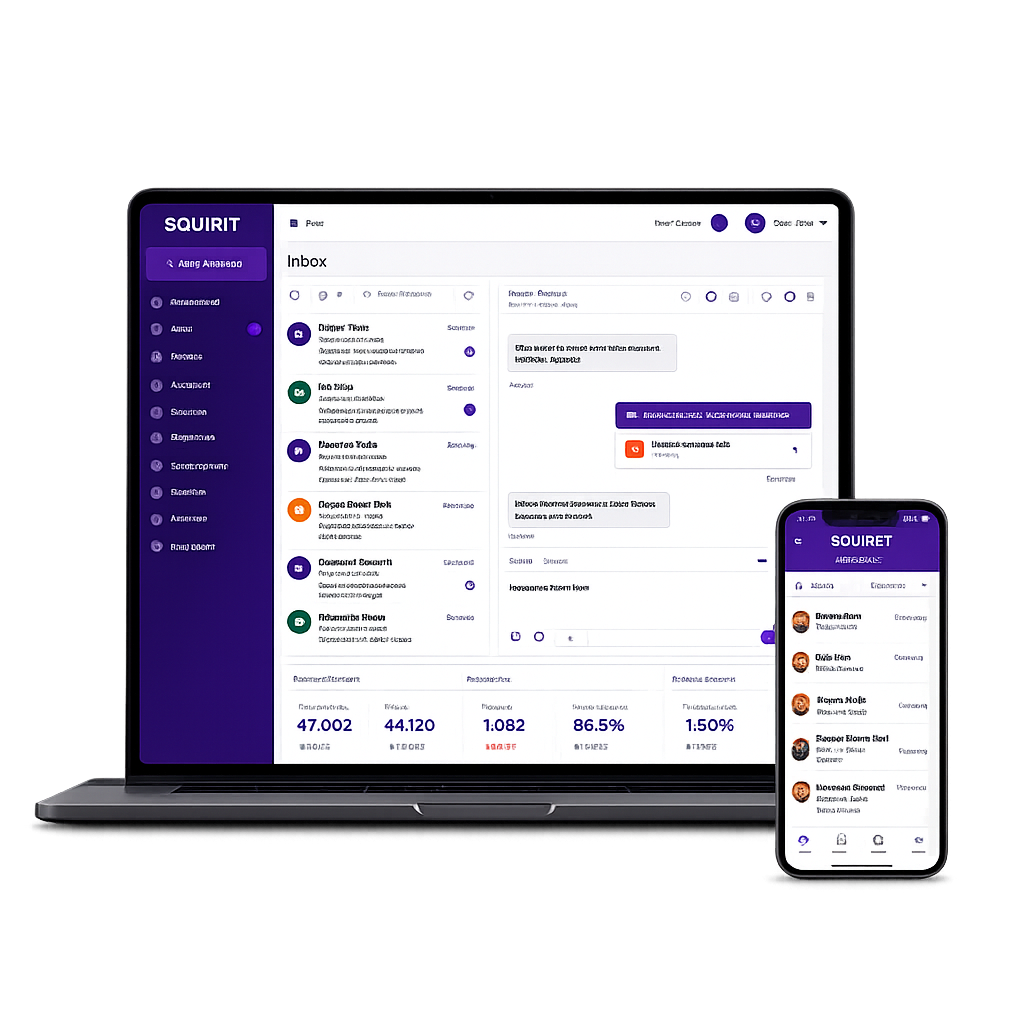
Whether your employees work at a desk, from home, in the field, or across multiple locations, SQUIBIT® offers flexible device options to match the way they work. From IP desk phones and desktop softphones to browser-based webphones and mobile apps, every user stays connected through the same business phone system with a consistent calling experience.
Uncategorized
 Uncategorized
 Uncategorized
 Uncategorized